If something goes wrong
Warnings, error messages and what to do
Good to know
- RadioManager does not connect to the radio while a module has the serial output on. To use RadioManager turn off the output (1 NO OUT) or close the module.
- The cable disturbs reception. With the phone connected, weak signals can disappear. Use a short, shielded cable with a ferrite, and keep phone and cable away from the antenna.
- The app only shows what arrives after you connected it (and, with SERVER, after you turned it on).
- APRS positions and those shared with SERVER are seen by everyone, as always in APRS.
The radio cannot be seen
Check the cable (it must carry data), that the radio is on and has the USB module, and that you gave the USB permission. Then tap RADIO (USB). The USB messages are always in English:
| Message | What to do |
|---|---|
| No radio on the USB cable | the phone does not find the radio: check cable and radio |
| Allow USB access to the radio | give the USB permission |
| USB access denied | the permission was denied: unplug and plug the cable back in, and this time answer OK |
| USB cable does not open | unplug and plug the cable back in |
| USB disconnected | the cable came off |
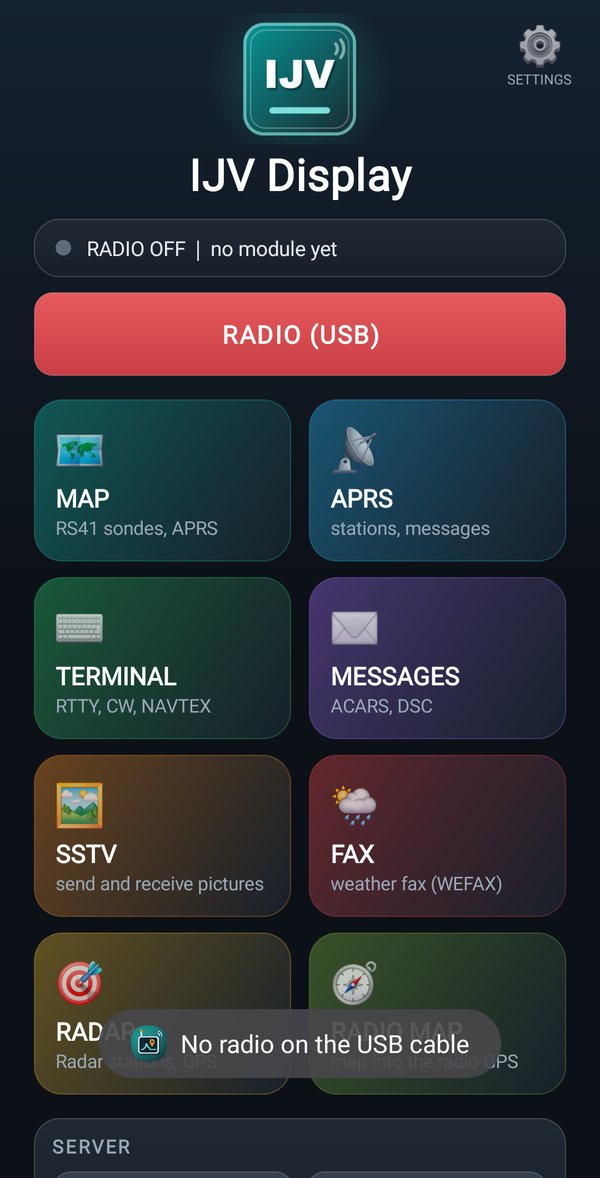
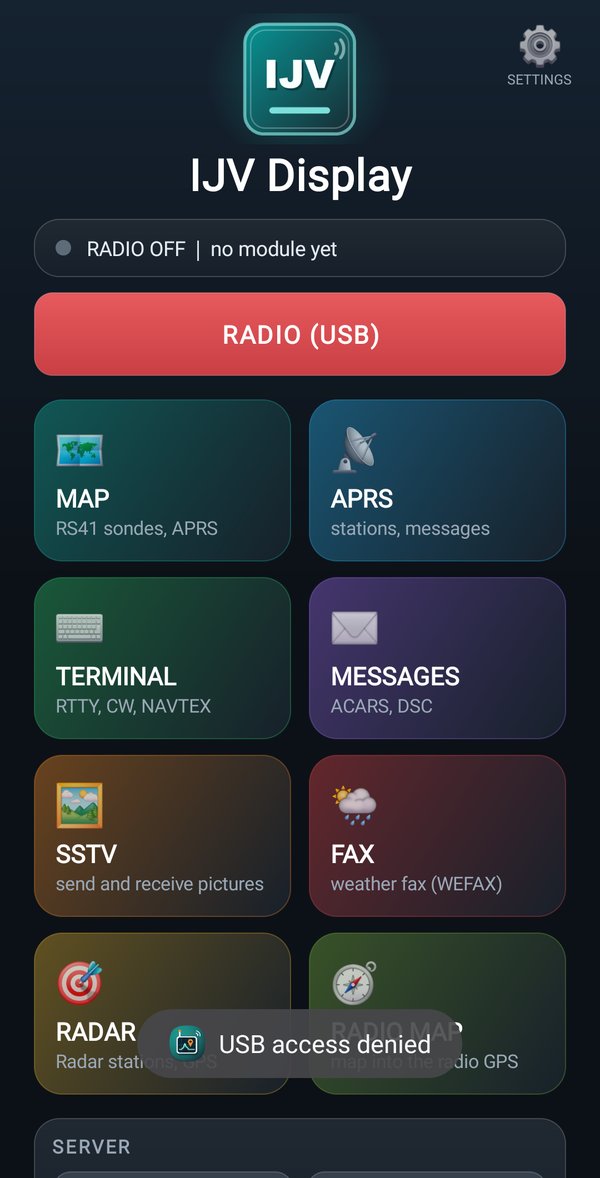
The radio is connected but nothing arrives
The status line says no module yet
: on the radio the module is not open, or its output is off. Turn it on by holding down MENU.
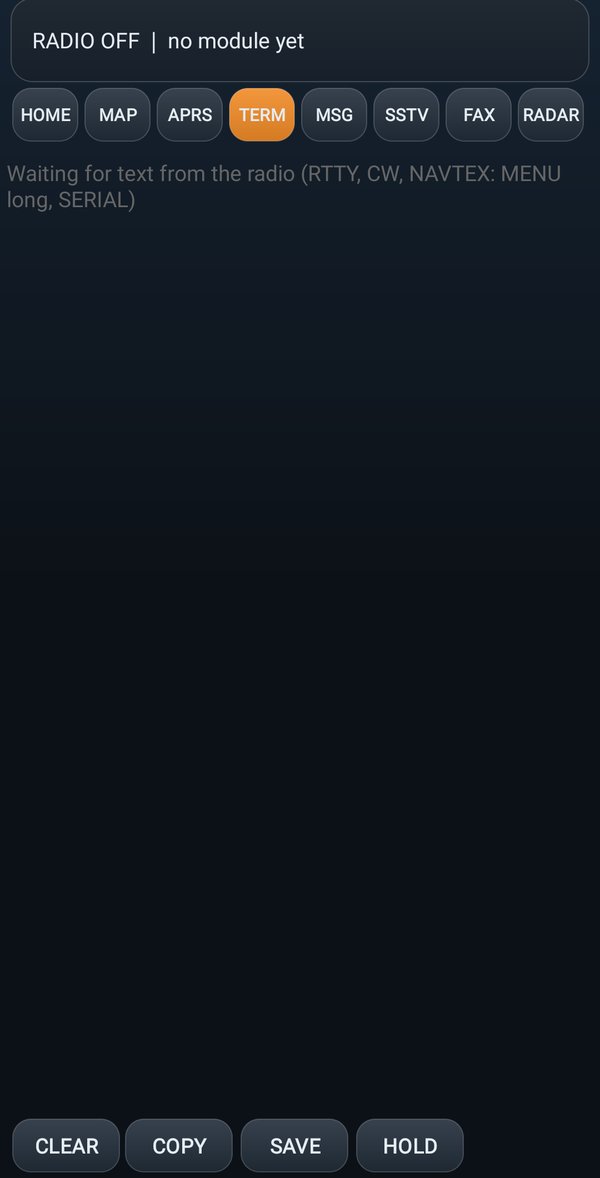
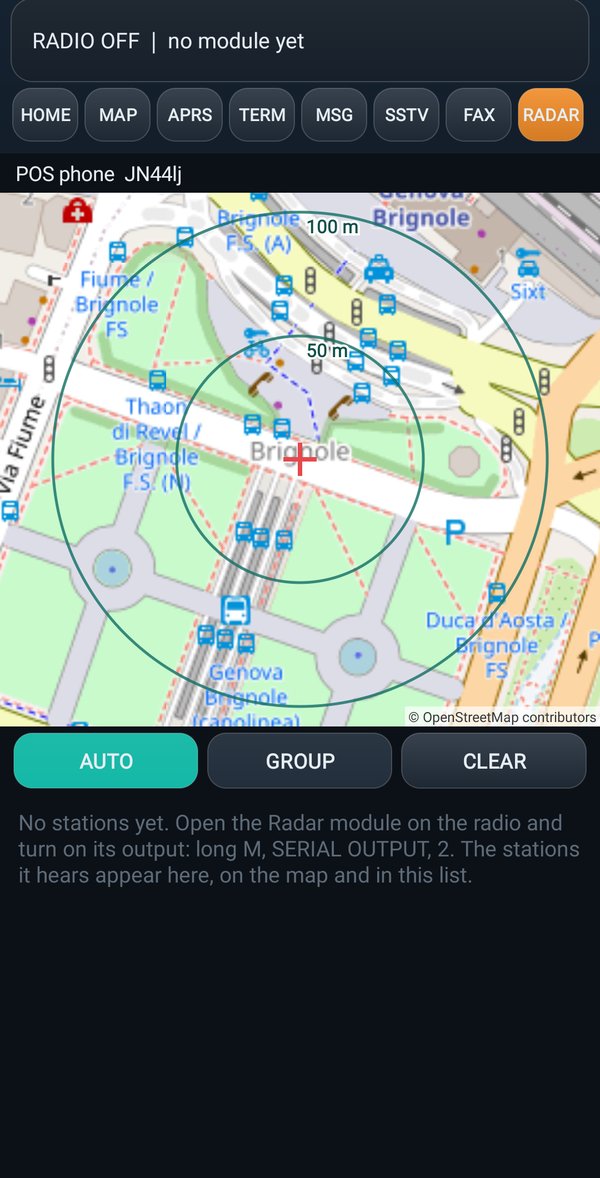
Other problems
| Problem | What to do |
|---|---|
| I see only one sonde, or nothing from the server | the app only shows what arrives after you turned on SERVER. Also check that you have the latest version of the app |
| Pictures, faxes or coordinates: the radio does not answer | put the radio on the VFO with no modules open (for SSTV outside the SSTV module) and update the radio with FLASH V6 |
| The app says to update with FLASH V6 | in RadioManager, Firmware 6 page, FLASH V6 |
| The app says to update with MODULES ONLY | in RadioManager, Firmware 6 page, MODULES ONLY |
Map: Too many map requests: wait a few minutes. | wait a few minutes |
Map: The radio does not have the GPS module, so the map was not written. Load the module with RadioManager (Firmware 6 page, MODULES ONLY), then try again. | load the GPS module with RadioManager |
| The RADIO MAP tile is not there | the account is not PRO |
| The map is grey | no internet: the map is there only in places already looked at |
The login does not work
| Message | What to do |
|---|---|
Wrong email or password. | write them again: they are the RadioManager ones |
Too many attempts: try again in a few minutes. | wait a few minutes |
No connection to the IJV server: check internet and try again. | check that the phone has internet |