Settings
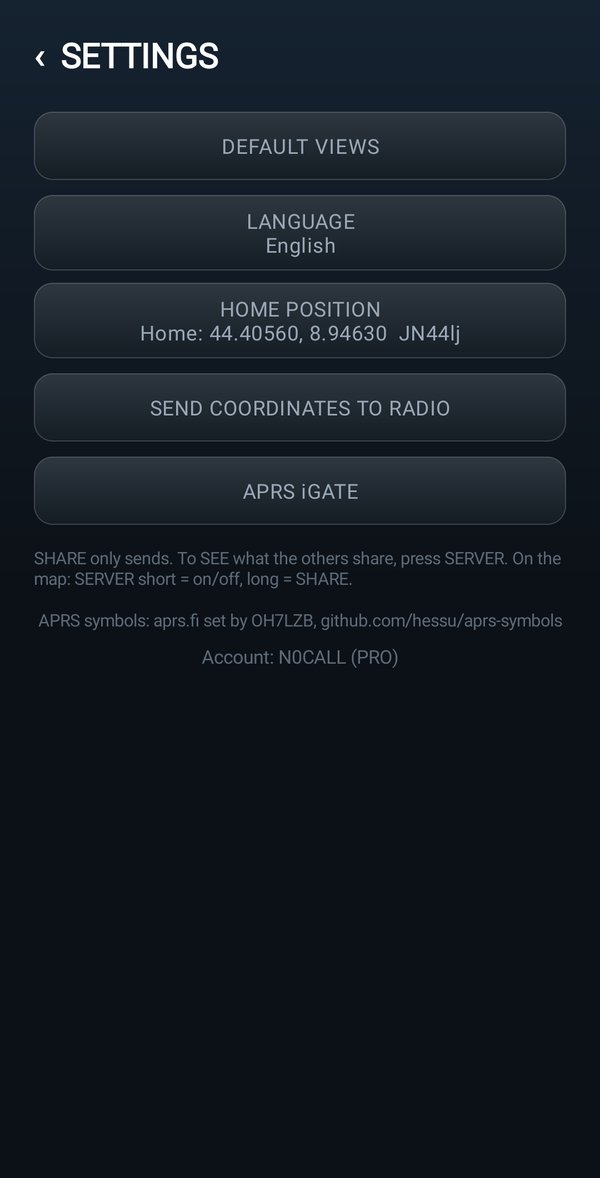
Views, language, home position, coordinates to the radio, account
Opening the settings
On the home page, at the top right, tap ⚙️SETTINGS.
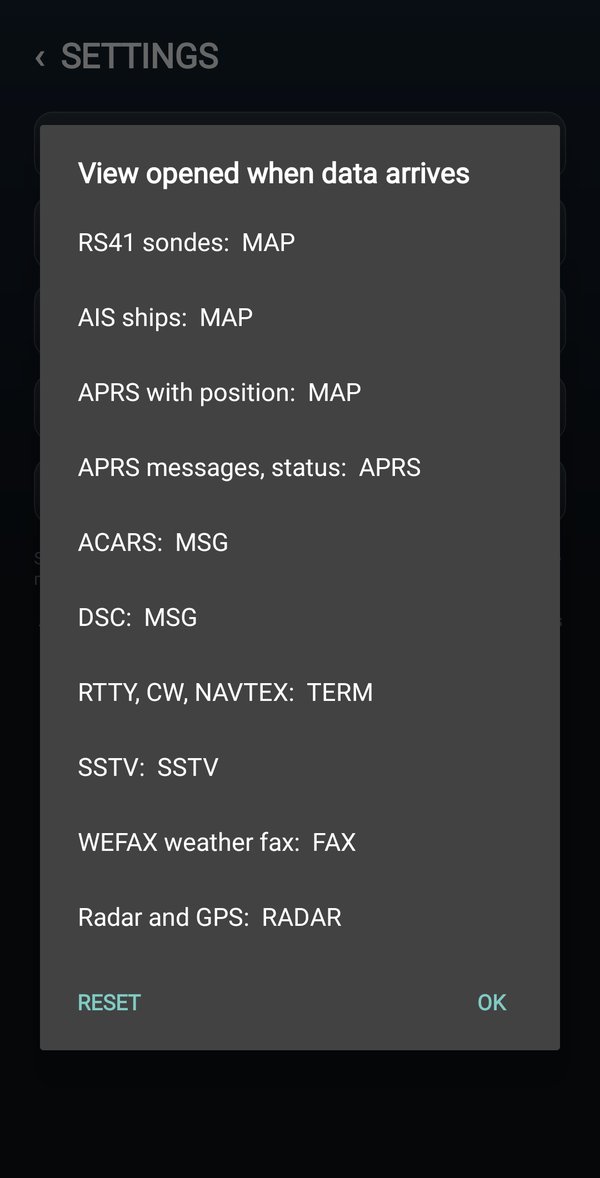
DEFAULT VIEWS
For each type of data (RS41 sondes, AIS ships, APRS with a position, APRS messages, WEFAX faxes, Radar and GPS, ACARS, DSC, RTTY...) choose which view opens by itself when it arrives.
- The view opens by itself only when the module changes. If you then go to another view by hand, the app does not take you back.
- Reset puts back the starting choices.
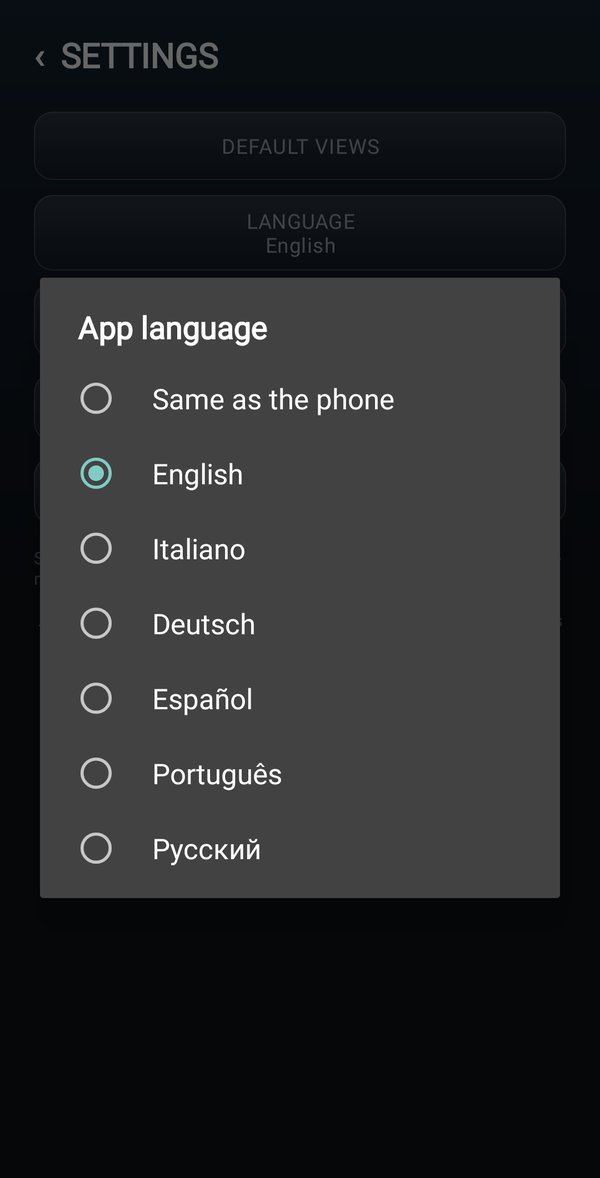
LANGUAGE
LANGUAGE: Italian, English, German, Spanish, Portuguese, Russian, or Same as the phone. From Android 13 the language can also be changed in the phone settings: Apps, IJV Display, Language.
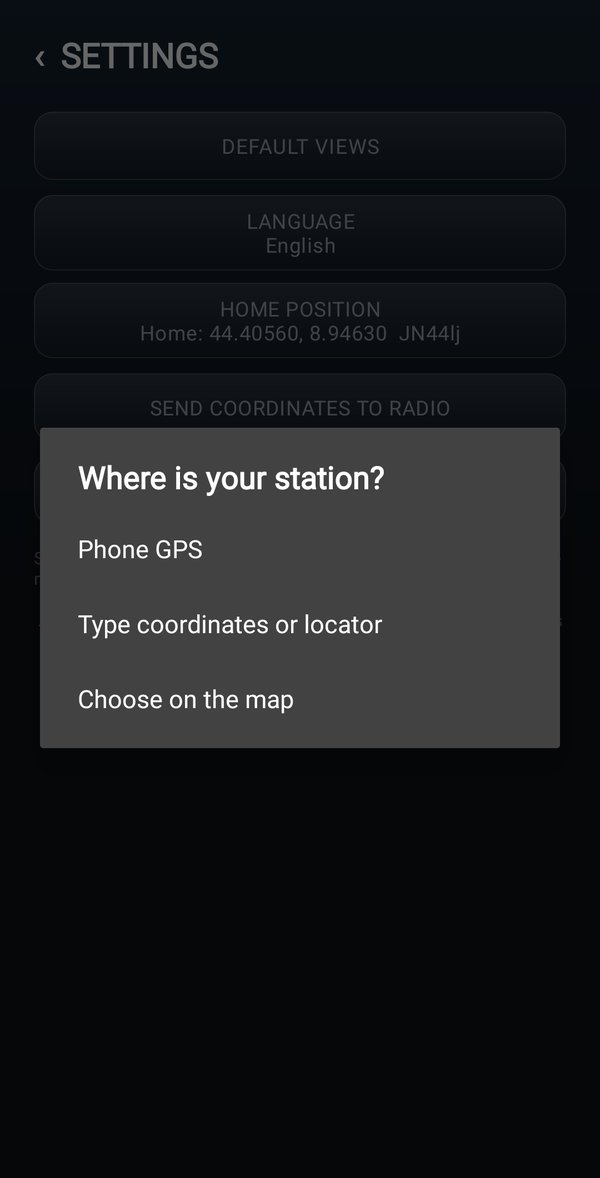
HOME POSITION
Home is your station: from there the app counts distances and directions, and on the map it draws the red line to the sonde. Tap HOME POSITION and choose one of the ways:
| Way | How |
|---|---|
| Phone GPS | home is where you are: the phone's GPS follows it |
| Type coordinates or locator | write the coordinates (e.g. 45.4642, 9.1900) or the locator (e.g. JN45NL) |
| Choose on the map | hold down on the map at the spot of your station |
You can also do it without coming here: on the map hold your finger on a spot and the app asks Set home here?
SEND COORDINATES TO RADIO
It writes the phone's position into the radio. It becomes the radio's position (the APRSPos item), the one used by APRS, the Radar and the other modules.
- Connect the radio with the cable and put it on the VFO.
- In the settings tap SEND COORDINATES TO RADIO.
- The app shows you the coordinates and asks for confirmation: answer yes.
- The radio writes the position and uses it straight away. It stays where it was and the cable stays connected.
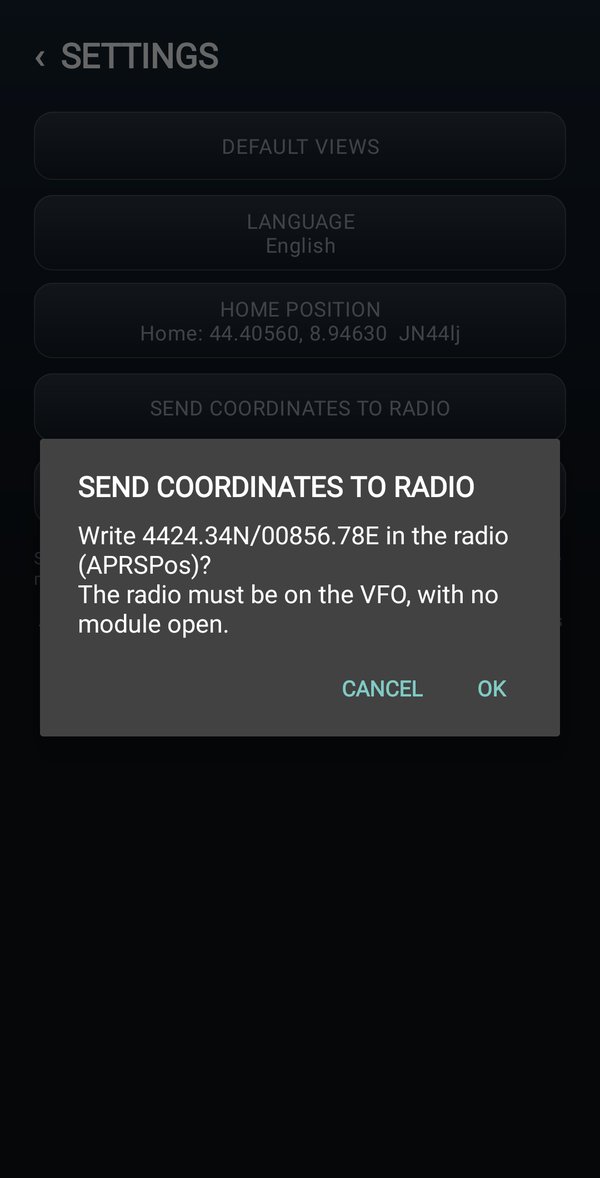
If the radio already has that position (less than 100 meters of difference) it writes nothing and the app says The radio already has this position: .... Nothing written.
APRS iGATE
The APRS iGATE button opens the iGate page: the phone, with the radio connected, takes the APRS messages of nearby radios to the internet and puts the incoming ones back on the air. All of it on the APRS iGATE page.
The account
In the settings there is also the account you logged in with. Tap it to log out, for example to log in with another one: the app also removes the saved password and asks you for it next time.