RADIO MAP: the map for the radio
The road map for the radio's GPS module (PRO)
What it is
The radio's GPS module shows a road map. With the app, the map of your area is made and written into the radio from the phone, like RadioManager does on the computer (IJV Display, MAP, MAPS FOR THE RADIO). The RADIO MAP tile is there only with a PRO account.
The map covers Italy and Europe, roads only (no paths). Data © OpenStreetMap contributors.
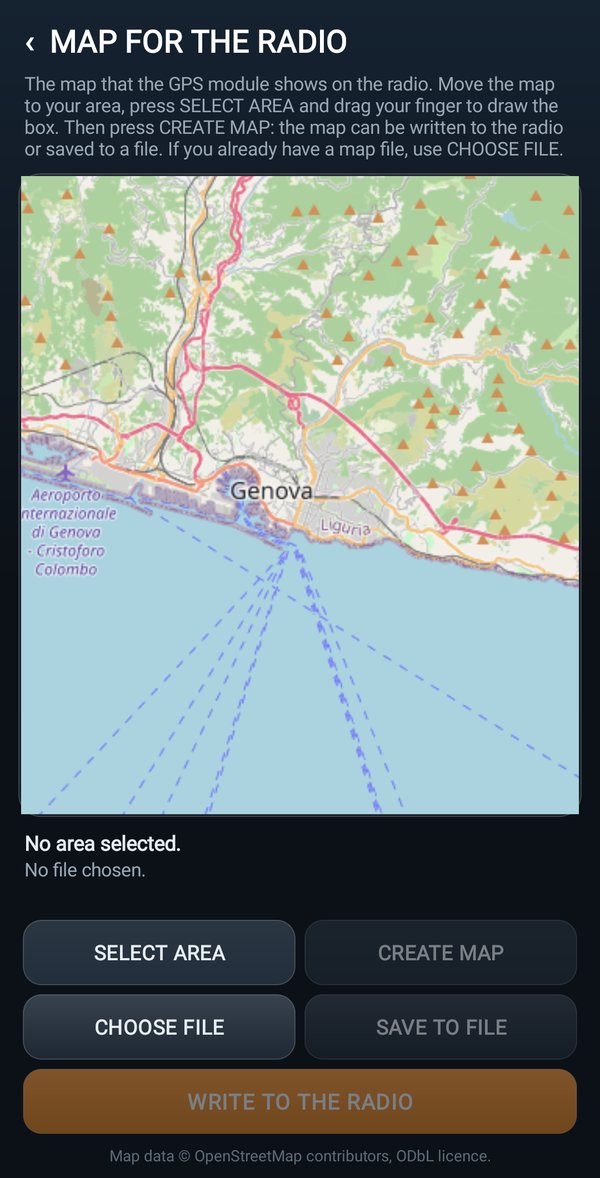
Making the map and writing it into the radio
Before you startTo write the map you need firmware 6.1.0 or newer with the GPS module in the radio. The radio, connected with the cable, must be on the VFO, with no modules open.
- Move the map to your area.
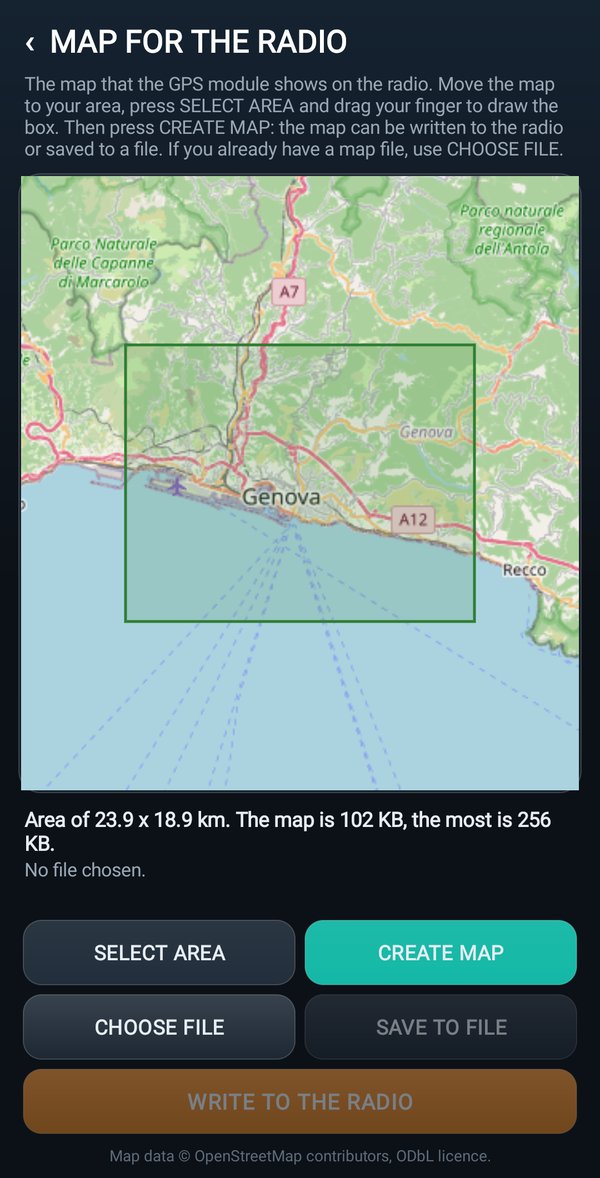
- Tap SELECT AREA and drag your finger to draw the box. The longest side can be at most 60 km.
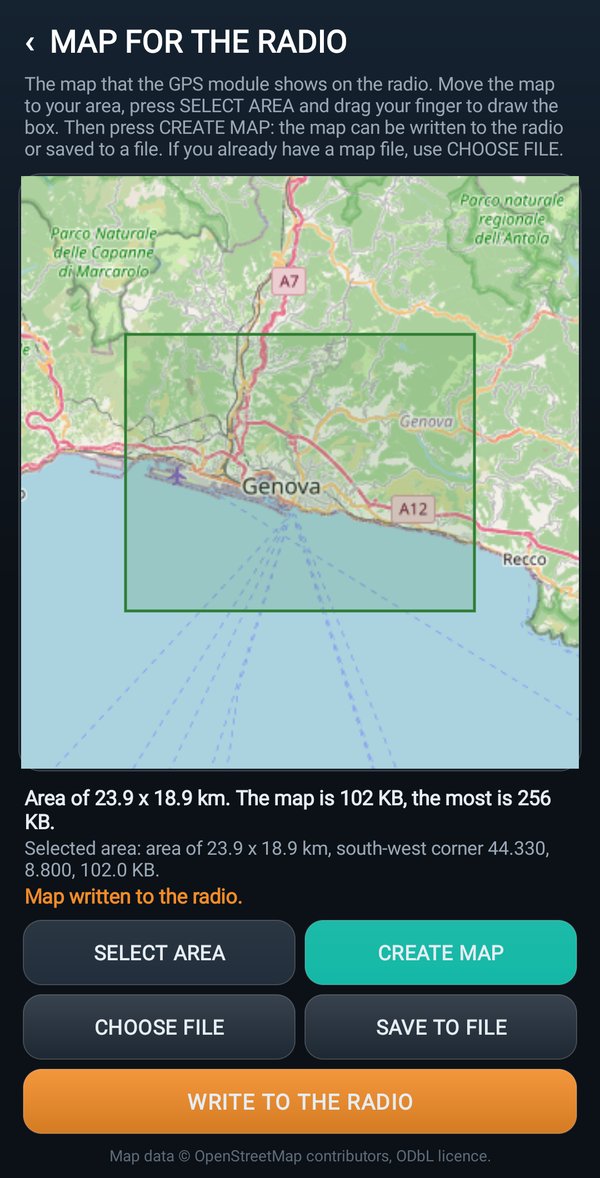
- When you lift your finger the app asks the server how big it is: a green box is fine (for example
The map is ... KB, the most is ... KB.
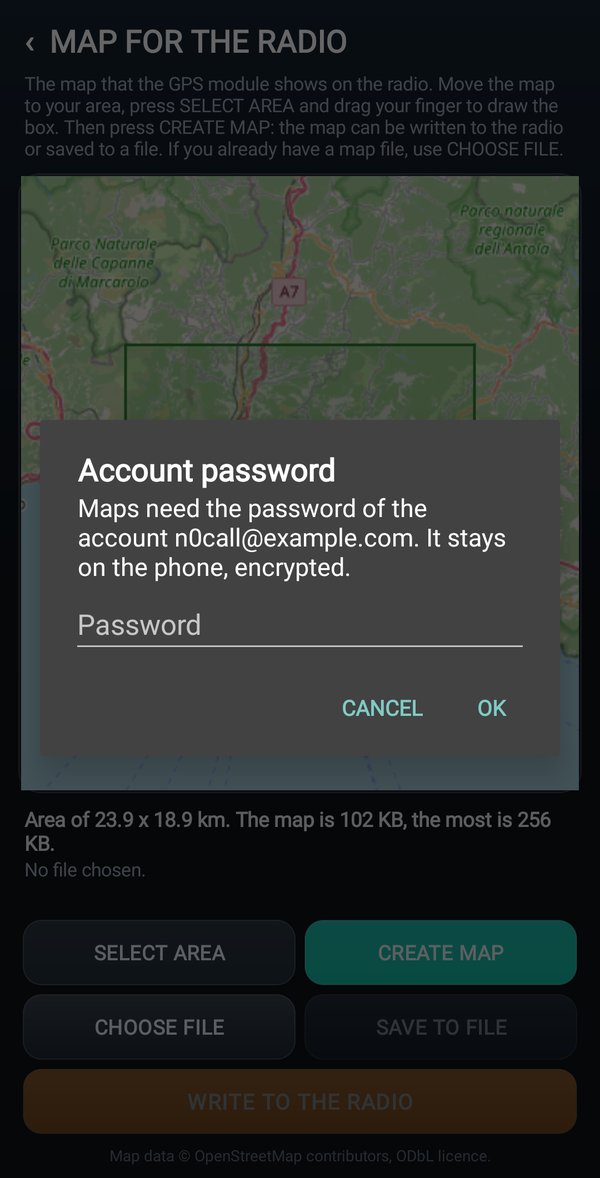
); red means too big, or with no roads. - Tap CREATE MAP. The first time the app asks for the account password.
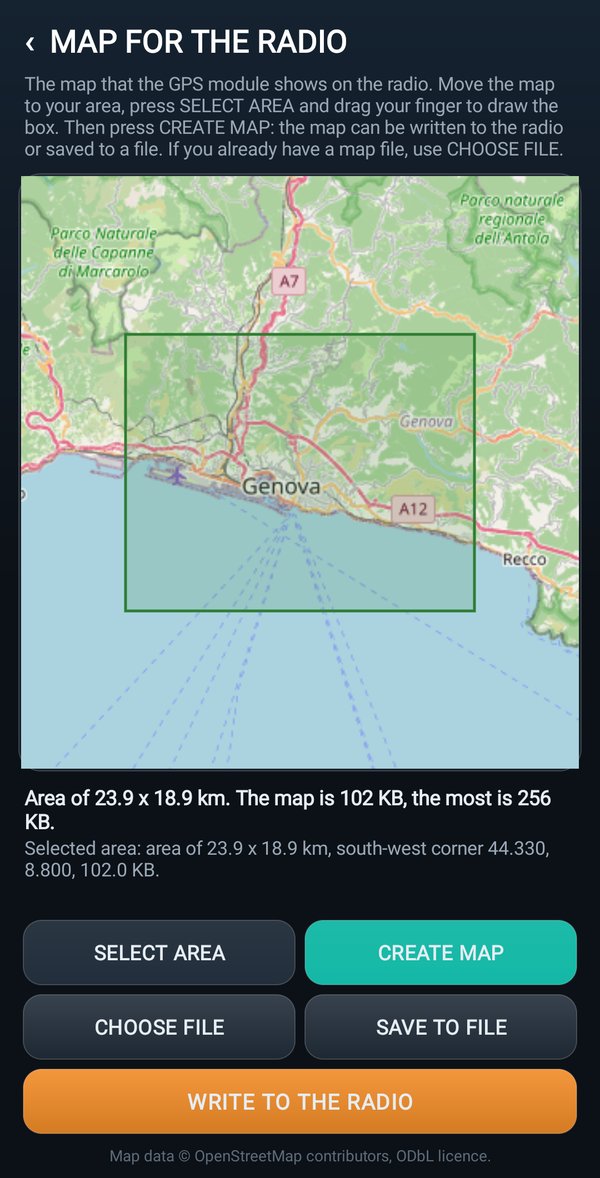
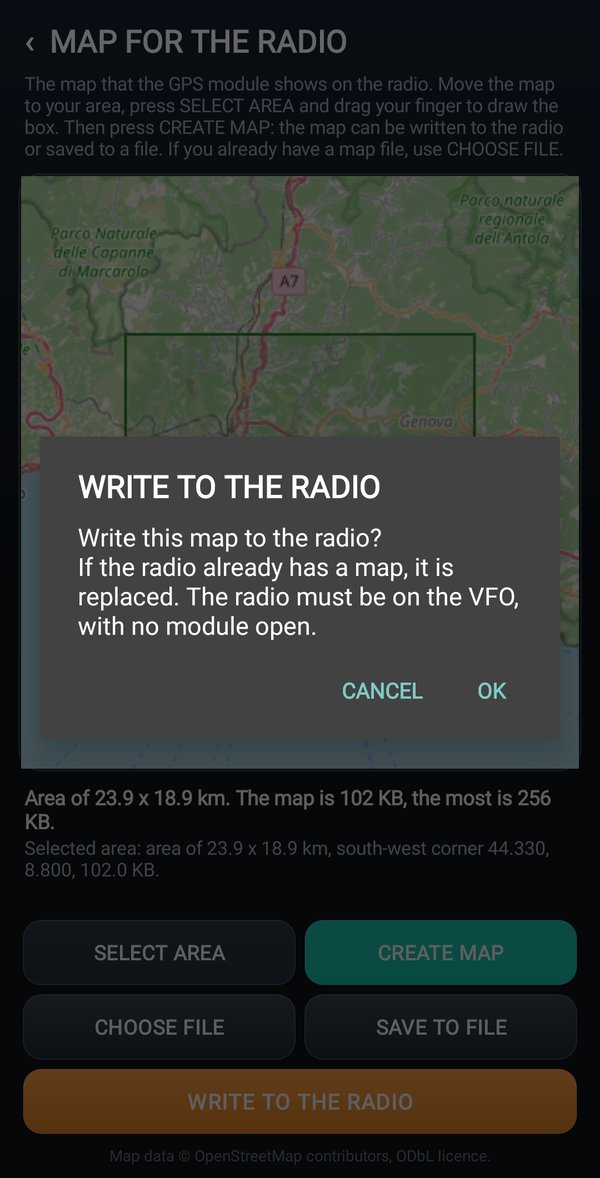
- Tap WRITE TO THE RADIO and confirm. A bar shows the percentage; at the end you read
Map written to the radio.
If there was already a map in the radio, it is replaced.
Keeping the map in a file
- SAVE TO FILE: keeps the map in the phone, to put it back whenever you want.
- CHOOSE FILE: writes into the radio a map already made, also the .bin file saved by RadioManager.