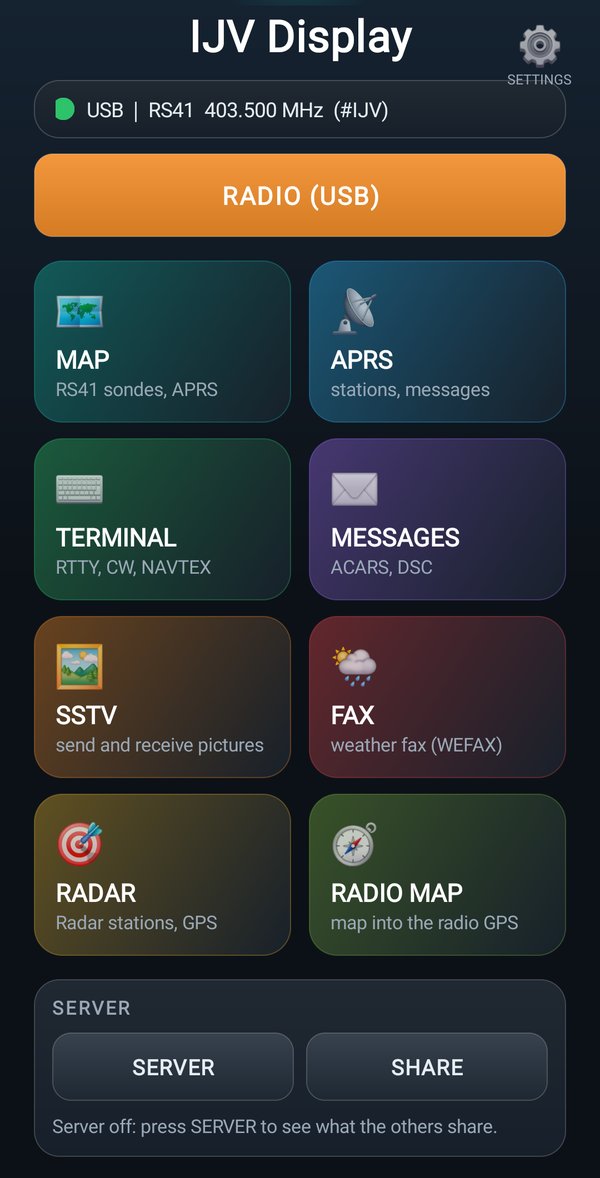
The home page
The radio status, the tiles, SERVER and SHARE
The radio status
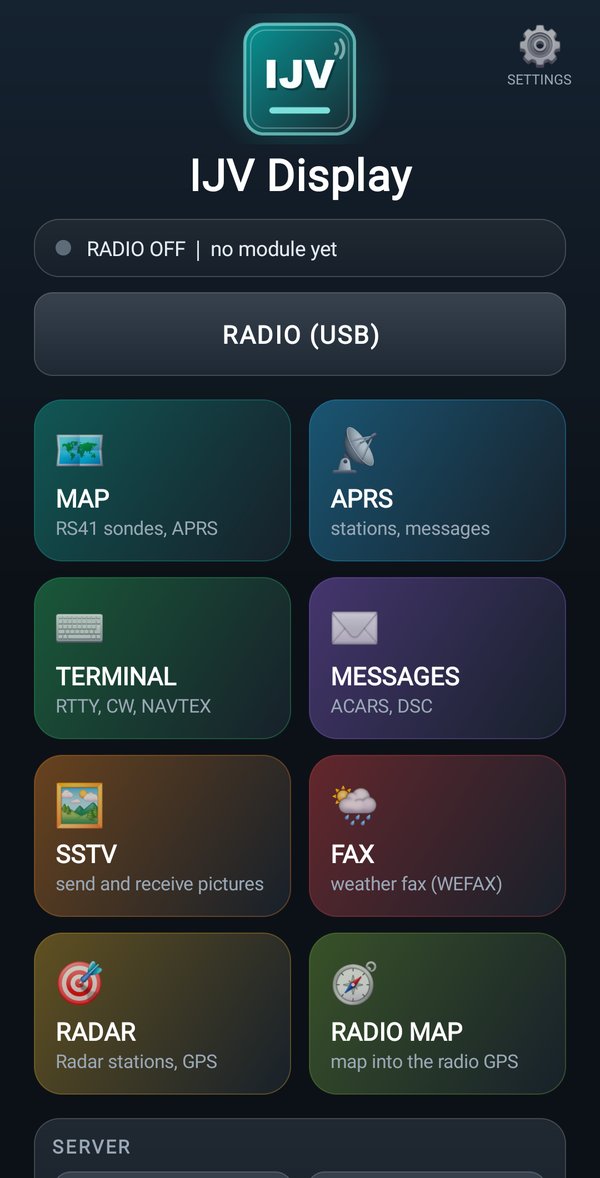
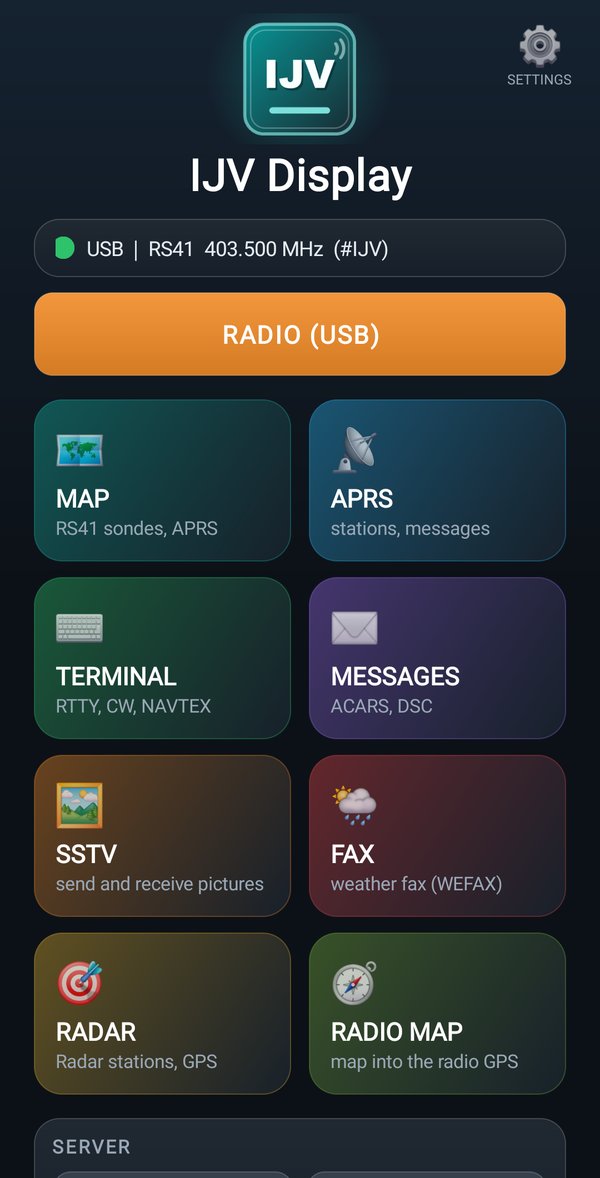
At the top, under the logo, a line says where the data comes from, which module the app has recognized and on which frequency: for example USB | RS41 403.500 MHz.
| The line says | It means |
|---|---|
RADIO OFF | the radio is not connected: tap RADIO (USB) |
no module yet | the radio is connected but sends nothing: open the module and turn on its output |
| USB | RS41 403.500 MHz | all good: the data of the RS41 module is arriving on 403.500 MHz |
RADIO (USB): one tap connects the radio, another one disconnects it.
The views
The tiles open the views. Usually you don't need to tap them: when data arrives, the app opens the right view by itself (you choose it in DEFAULT VIEWS).
| Tile | What it opens |
|---|---|
| 🗺️MAP | the map: RS41 sondes, APRS stations with a position, AIS ships |
| 📡APRS | the list of APRS stations |
| ⌨️TERMINAL | the text of the decoders: RTTY, CW, NAVTEX |
| ✉️MESSAGES | the messages: ACARS, DSC, APRS messages and bulletins |
| 🖼️SSTV | the pictures: the received ones, the gallery, and SEND A PICTURE |
| 🌦️FAX | the weather fax |
| 🎯RADAR | the stations of the Radar and the radio's GPS |
| 🧭RADIO MAP | the map for the radio. It is there only with a PRO account |
In every view, at the bottom, there is the row HOME MAP APRS TERM MSG SSTV FAX RADAR: one tap and you go to another view. The phone's Back button brings you back here; from the home page, Back twice closes the app.
Even with the screen off
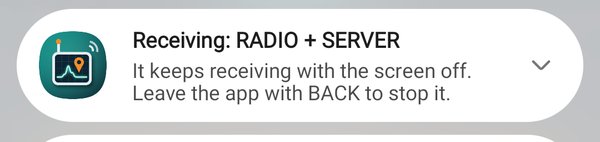
With the radio connected or with SERVER on, the app keeps receiving and sharing even if you switch to another app or turn off the screen. A fixed notification says so, for example Receiving: RADIO + SERVER. So when you come back you also find the stations and the sondes that arrived in the meantime.
- To stop it: disconnect the radio with RADIO (USB) and turn off SERVER, or leave the app with Back twice from the home page.
- With the iGate on, Back twice sends the app to the background and the iGate stays on: you turn it off from its page.
- Receiving with the screen off uses up the phone battery: for a day out, bring a spare battery.
SERVER and SHARE
IJV users can share what they receive: the sondes, the ships and the APRS stations heard by one radio appear on the map of the others.
| Button | What it does |
|---|---|
| SERVER | on: you see on the map what the others share, from all over Italy. Use SEL or zoom out the map to find them |
| SHARE | on: the positions your radio receives (ships, sondes, APRS) go to the server, and the others see them |
On the map there is the same SERVER button: a tap turns it on or off, a long tap turns SHARE on or off.