FAX: the weather fax
The fax that arrives line by line, and how to straighten it
The fax that arrives
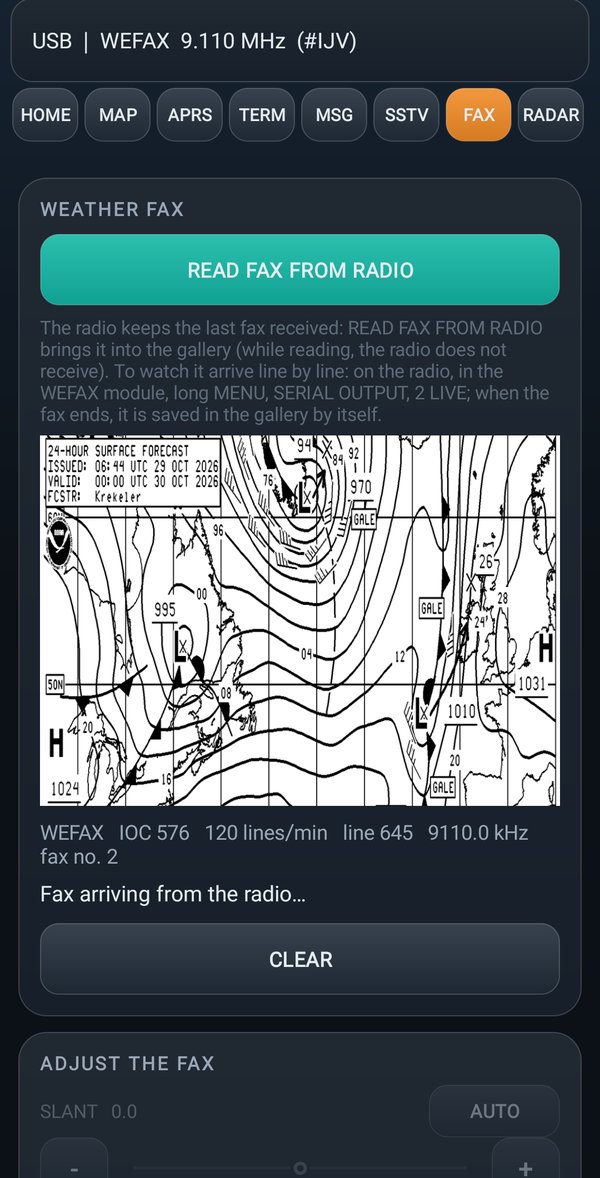
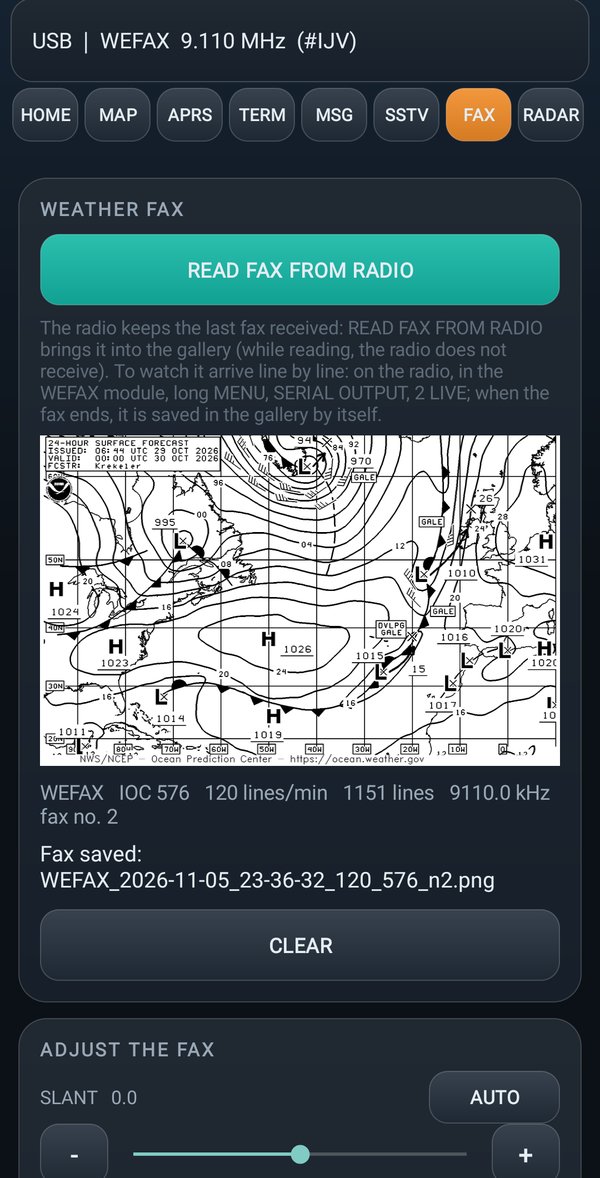
With the output of the WEFAX module on 2 LIVE the weather fax appears on the phone line by line, while the radio receives it. At the end it is saved in the gallery by itself.
READ FAX FROM RADIO brings into the phone the last fax the radio keeps in memory. For this the radio must be on the VFO, with no modules open.
Straightening a fax
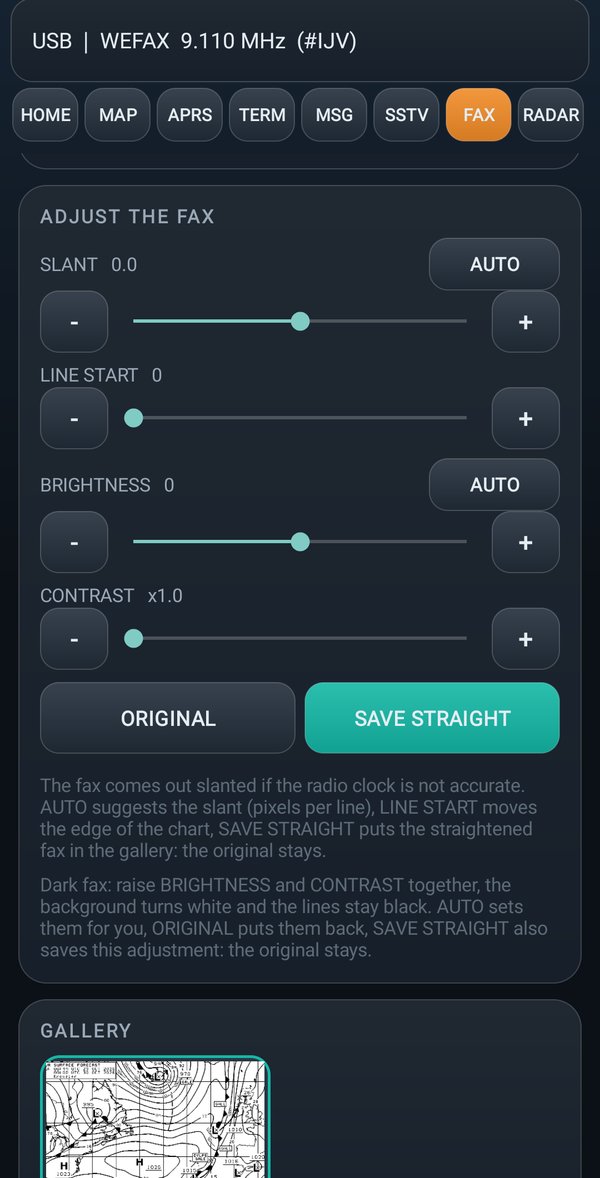
A fax can come out crooked (the lines slant) or too dark. Open it and use ADJUST THE FAX:
| Button | What it is for |
|---|---|
| SLANT | straightens a crooked fax (it happens if the radio's clock is not precise). AUTO suggests how much by itself |
| LINE START | moves the edge of the paper sideways. You need it if the fax is cut in two, with the edge in the middle and the right part on the left: move it until the edge goes back to the margin |
| BRIGHTNESS and CONTRAST | make a dark fax lighter. AUTO suggests them by itself |
| ORIGINAL | goes back to the fax as it arrived |
| SAVE STRAIGHT | saves the fax as you see it, with brightness and contrast: a new fax appears in the gallery, with the name of the original one plus _dritto. The original stays as it was |